
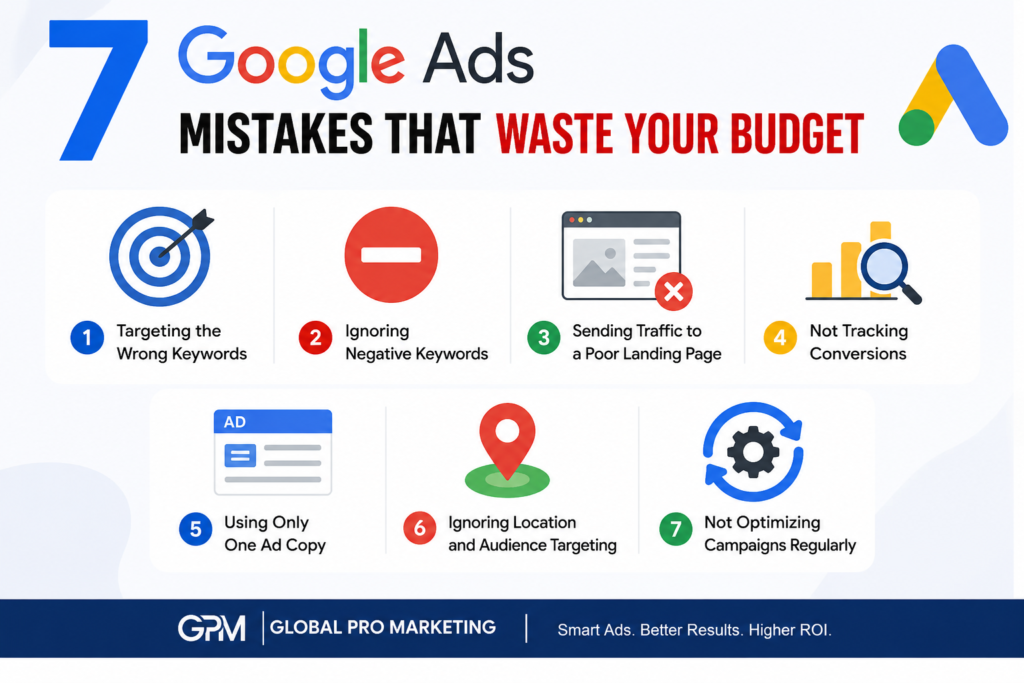
Running Google Ads can generate high-quality leads and sales, but even small mistakes can quickly drain your advertising budget without delivering results. Whether you’re a small business owner or a marketing professional, avoiding these common errors can significantly improve your campaign performance and return on investment (ROI).
1. Targeting the Wrong Keywords
Choosing broad or irrelevant keywords can attract users who are not interested in your products or services. Focus on high-intent keywords that match what your ideal customers are searching for.
Tip: Use keyword research tools and prioritize phrase match and exact match keywords where appropriate.
2. Ignoring Negative Keywords
Without negative keywords, your ads may appear for unrelated searches, resulting in wasted clicks and unnecessary costs.
Example: If you sell premium digital marketing services, add negative keywords like “free,” “jobs,” or “course” if they aren’t relevant to your business.
3. Sending Traffic to a Poor Landing Page
A well-written ad won’t perform if the landing page is slow, confusing, or doesn’t match the ad’s message.
A good landing page should:
- Load quickly
- Be mobile-friendly
- Have a clear headline
- Include a strong call-to-action (CTA)
- Match the user’s search intent
4. Not Tracking Conversions
Without conversion tracking, you won’t know which campaigns, keywords, or ads are generating leads or sales.
Set up conversion tracking for:
- Contact form submissions
- Phone calls
- Purchases
- Quote requests
- Newsletter sign-ups
5. Using Only One Ad Copy
Running a single ad limits Google’s ability to optimize performance.
Create multiple headlines and descriptions to test different messages and improve click-through rates (CTR).
6. Ignoring Location and Audience Targeting
Showing ads to people outside your service area or target audience wastes your budget.
Use:
- Geographic targeting
- Language targeting
- Audience segments
- Device adjustments
Target only the users who are most likely to convert.
7. Not Optimizing Campaigns Regularly
Google Ads isn’t a “set it and forget it” platform.
Review your campaigns regularly by:
- Removing low-performing keywords
- Adding new negative keywords
- Improving ad copy
- Adjusting bids
- Monitoring Quality Score
- Analyzing conversion data
Regular optimization helps improve ROI while reducing wasted spend.
Final Thoughts
Google Ads can be one of the most effective digital marketing channels when managed correctly. By avoiding these seven common mistakes, you can reduce wasted ad spend, improve campaign performance, and generate more qualified leads for your business.
If you’re struggling to get better results from your campaigns, consider performing a complete Google Ads audit and optimizing your account based on data rather than assumptions.